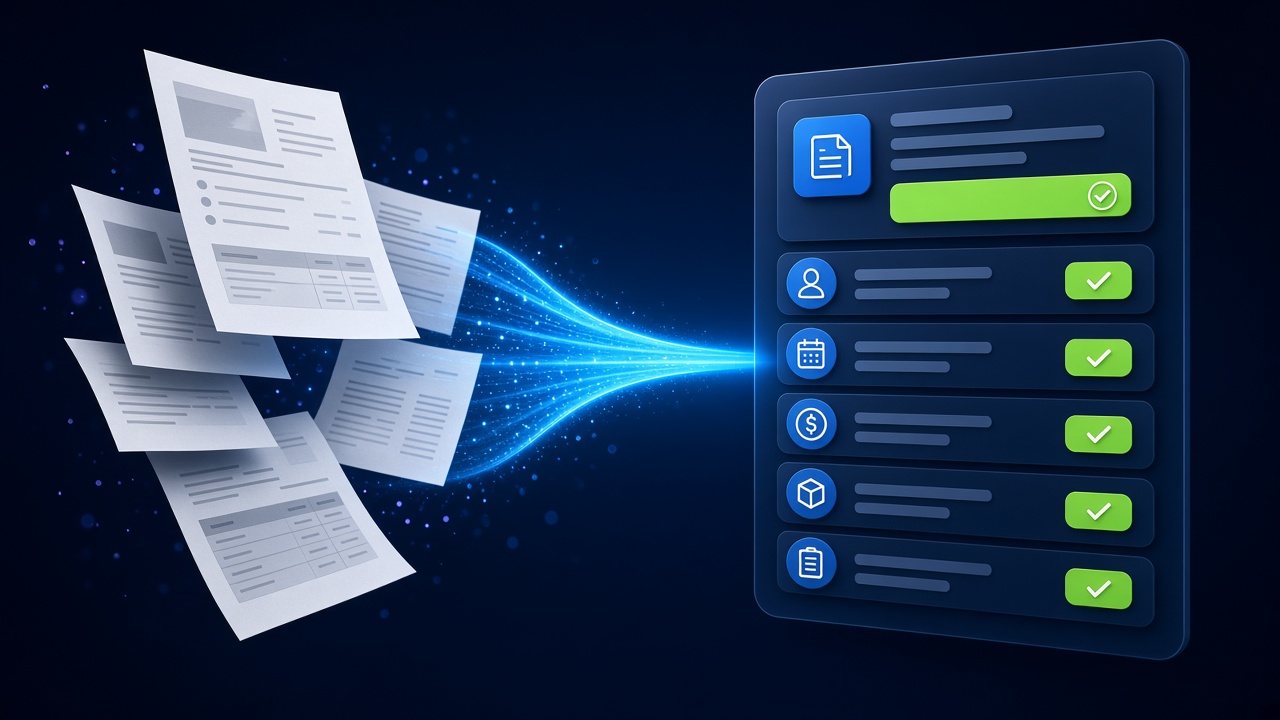
Key takeaways
- IDP goes beyond OCR: it understands document types, extracts fields and validates them.
- Confidence scores and human review queues keep accuracy high.
- Invoices, purchase orders, KYC files, claims and contracts are common starting points.
- Value comes from end-to-end flow — capture, extract, validate and post to your systems.
Documents still drive much of business: invoices, purchase orders, delivery notes, application forms, KYC files, insurance claims and contracts. Teams spend hours reading them and re-typing data into systems. Intelligent document processing (IDP) uses AI to do that work quickly and consistently, with people reviewing only the exceptions.
OCR vs intelligent document processing
| Traditional OCR | Intelligent document processing | |
|---|---|---|
| Output | Raw text | Structured fields (vendor, date, amount, line items) |
| Layout changes | Templates often break | AI adapts to new layouts |
| Document types | Needs manual sorting | Automatic classification |
| Validation | None | Rules, cross-checks and confidence scores |
| Handwriting and scans | Limited | Improved with modern models, still verified |
How IDP works
- Capture — documents arrive by email, upload, scanner, WhatsApp or API.
- Classify — AI identifies the document type: invoice, PO, ID proof, contract.
- Extract — key fields and tables are pulled out.
- Validate — checks against business rules and master data (e.g. vendor exists, totals match, PO number valid).
- Review — low-confidence fields go to a human queue with the document side by side.
- Integrate — clean data is posted to ERP, CRM, DMS or accounting software.
Popular use cases
Accounts payable
Extract invoice headers and line items, match against purchase orders and goods receipts, and route mismatches for approval.
Customer onboarding and KYC
Read identity and address documents, check completeness and flag issues before an account is opened. See our banking and financial services page.
Logistics paperwork
Process delivery notes, bills of lading and proof-of-delivery documents faster — explore logistics and supply chain use cases.
Contracts
Find key dates, renewal terms, obligations and unusual clauses to support legal and procurement review.
Accuracy: design for review, not perfection
No extraction system is perfect on every document. Reliable IDP sets confidence thresholds per field, sends uncertain cases to people and learns from corrections. Sample audits after go-live keep quality visible.
Security and compliance
- Encrypt documents in transit and at rest.
- Limit who can view sensitive documents in review queues.
- Define retention periods and deletion rules.
- For highly sensitive data, consider private AI deployment.
Getting started
Pick one document type with good volume, collect a representative sample including the messy ones, define the fields you need and agree on accuracy targets (as estimates to be confirmed in the pilot). A focused pilot shows real performance on your own documents.
Put your documents to work
Start with the AI Document Automation Pilot on your own sample documents.
Frequently asked questions
What is the difference between OCR and IDP?
OCR converts images into text. IDP uses AI to understand the document type, extract specific fields, validate them against rules and send structured data to your systems.
Can IDP read scanned and handwritten documents?
Modern models handle scans and some handwriting, but quality varies. Confidence scores and human review ensure uncertain fields are checked.
Which systems can extracted data be sent to?
Extracted data can be posted to ERP, accounting, CRM, document management and custom systems through APIs or integration tools.
How long does an IDP pilot take?
A focused pilot on one document type is usually planned in a few weeks, depending on sample availability and integrations. The estimate is confirmed after discovery.